
A proper CallRail setup gives your business more than call logs. It gives you a clear view of which campaigns, keywords, landing pages, ads, and traffic sources are creating real phone leads. When CallRail is configured correctly, your marketing team can stop guessing where calls come from and start making decisions based on accurate attribution data.
For many businesses, phone calls are some of the highest-intent leads in the sales funnel. A person who calls after clicking a Google Ad, finding your business through organic search, or visiting a local landing page is often ready to ask questions, book an appointment, request a quote, or speak with a sales team. Without call tracking, that conversion can disappear from your reporting. You may see clicks and sessions, but you will not know which marketing activity produced the call.
That is why CallRail implementation needs to be handled carefully from the start. The best setup includes tracking numbers, Dynamic Number Insertion, form tracking, call routing, Google Ads integration, GA4 reporting, CRM syncing, call recording, lead scoring, and ongoing optimization. This guide walks through the complete process so you can build a reliable CallRail tracking system that supports better reporting, stronger lead quality, and smarter marketing decisions.
What is CallRail Setup and Why Does It Matter?
CallRail setup is the process of configuring your account so every important phone call and form submission can be connected to its original marketing source. That may include paid search, organic search, social media, email campaigns, direct traffic, referral traffic, offline ads, landing pages, or local SEO pages.

At a basic level, CallRail uses tracking numbers to identify where calls come from. At a more advanced level, it connects caller activity to campaign data, keywords, landing pages, forms, recordings, transcriptions, lead status, and CRM records. When those pieces work together, CallRail becomes a marketing attribution system instead of just a call log.
If you are new to the platform, start with this beginner-friendly guide to CallRail call tracking and attribution. It explains how CallRail helps businesses understand where phone leads originate and how those calls connect to real marketing results.
A strong setup matters because poor tracking leads to poor decisions. If calls are not attributed correctly, you may increase spend on weak campaigns, pause campaigns that are actually driving qualified leads, or miss important patterns in customer behavior. The goal is not just to count calls. The goal is to understand which calls are valuable and what created them.
CallRail Setup and Optimization Checklist
| Setup Area | Purpose | Quick Optimization Tip |
| Tracking Numbers | Tracks calls by source, campaign, or location. | Use number pools for website traffic and source numbers for offline campaigns. |
| Dynamic Number Insertion | Swaps website numbers based on visitor source. | Test DNI with UTM-tagged URLs before launch. |
| Website Tracking Code | Powers visitor tracking, DNI, and form attribution. | Install it across all key pages, not only the homepage. |
| Google Ads, GA4, and GTM | Connects call data to ad and analytics reporting. | Check for duplicate conversions before using the data for optimization. |
| CRM Integration | Syncs calls with contacts, deals, and lead status. | Map fields like source, campaign, caller number, and call outcome. |
| Form Tracking | Connects form submissions with attribution data. | Track calls and forms together for a complete lead view. |
| Call Routing | Sends callers to the right team or location. | Set rules by business hours, source, service, or location. |
| Missed Call Follow-Up | Alerts your team when calls are missed. | Automate SMS, email, CRM tasks, or Zapier follow-ups. |
| Recording and Transcription | Helps review call quality and caller intent. | Look for common objections, service requests, and high-intent phrases. |
| Lead Scoring and Reporting | Identifies qualified calls and campaign ROI. | Review lead quality, not just total call volume. |
Step 1: Define Your Call Tracking Goals
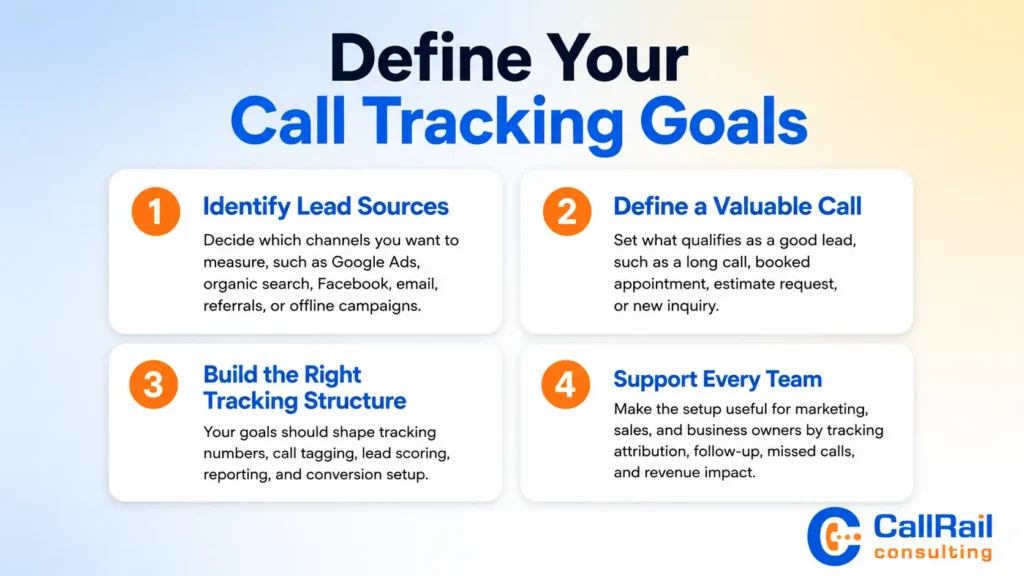
Before creating tracking numbers, decide what you need CallRail to measure. Many businesses skip this step and end up with a messy account full of numbers, incomplete integrations, and reports that do not answer useful questions.
Start by identifying your most important lead sources. Do you want to track calls from Google Ads? Organic search? Local SEO pages? Facebook campaigns? Direct mail? Billboards? Referral partners? Email campaigns? Each source may need a different tracking structure.
Next, define what counts as a valuable call. For one business, a qualified call may be any call longer than 60 seconds. For another, it may be a booked appointment, a sales consultation, a new patient inquiry, or a request for an estimate. Your definition of a quality lead should influence your call tagging, lead scoring, reporting, and conversion setup.
You should also decide how CallRail will support your team. A marketing team may care most about attribution and ROI. A sales team may care about caller history, missed calls, recordings, and follow-up workflows. A business owner may care about which campaigns are producing revenue. The best CallRail implementation supports all three.
Step 2: Set Up Tracking Numbers and Number Pools
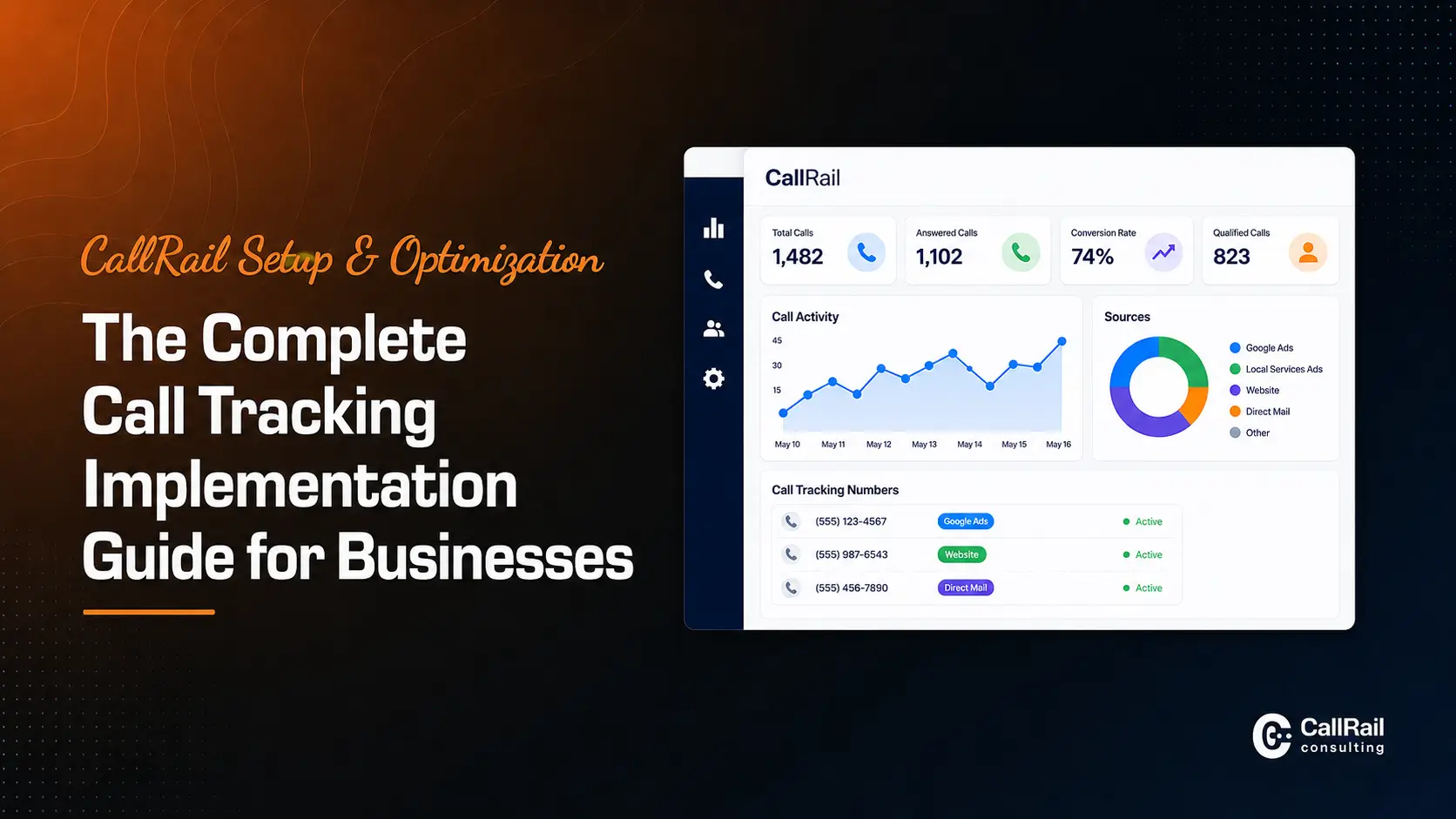
Tracking numbers are the foundation of CallRail. They allow you to assign unique phone numbers to specific campaigns, sources, locations, or visitor sessions. When someone calls a tracking number, CallRail records the call and attributes it to the correct source.
There are two common types of tracking number setups: source-level tracking and visitor-level tracking. Source-level tracking uses one number for one channel, such as Google Business Profile, Facebook Ads, or a direct mail campaign. Visitor-level tracking uses number pools to show different numbers to different website visitors, allowing CallRail to connect calls to sessions, campaigns, keywords, and landing pages.
For most digital marketing campaigns, number pools are essential. A number pool gives CallRail enough numbers to dynamically assign unique tracking numbers to website visitors. If your pool is too small, attribution can become less accurate during periods of high traffic. If your pool is too large, you may pay for more numbers than you need. The right pool size depends on your website traffic, campaign volume, and concurrent visitors.
Choose local numbers when local trust matters. Service businesses, healthcare providers, legal firms, home service companies, and local agencies often benefit from numbers that match the area they serve. Toll-free numbers may make sense for national brands, software companies, and businesses that serve customers across multiple regions.
Step 3: Configure Dynamic Number Insertion
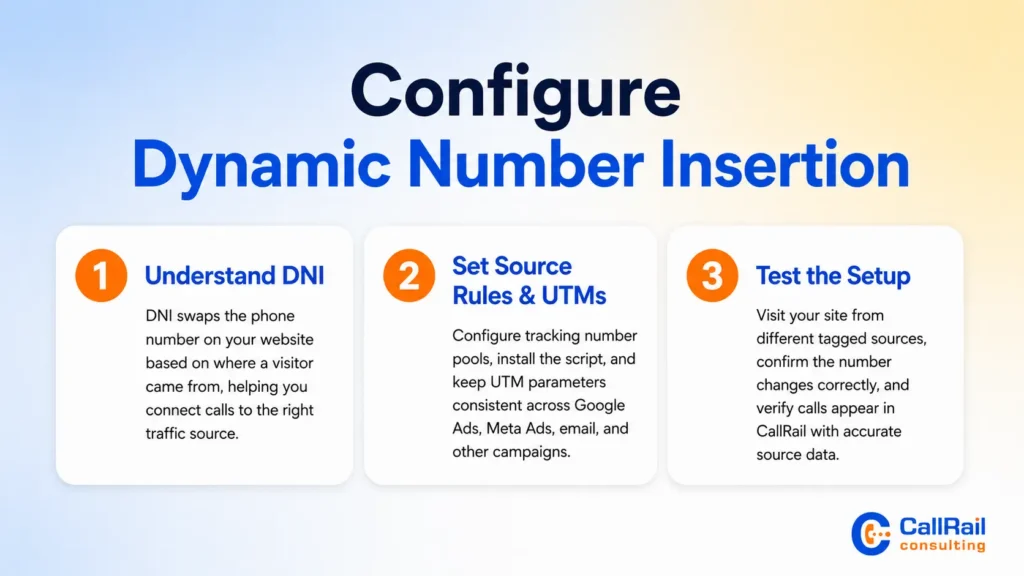
Dynamic Number Insertion, often called DNI, is one of the most important parts of CallRail setup. DNI automatically swaps the phone number on your website based on how a visitor found you. A visitor from Google Ads may see one number, while a visitor from organic search, social media, or an email campaign may see another.
This matters because most businesses display phone numbers across their website. Without DNI, every visitor sees the same number, and your team cannot reliably connect calls to traffic sources. With DNI, CallRail can attribute calls to the source, campaign, landing page, keyword, and session that produced the lead.
For a deeper setup walkthrough, use this guide on Dynamic Number Insertion setup in CallRail. It covers tracking number pools, script installation, source rules, and testing steps.
When configuring DNI, make sure your source rules match your campaign structure. If you use UTM parameters, keep them consistent across Google Ads, Meta Ads, email campaigns, and other paid channels. Clean UTMs make CallRail reporting easier to interpret and reduce the risk of misattributed calls.
After DNI is installed, test it carefully. Visit the site from different traffic sources, use tagged URLs, check that the number swaps correctly, and confirm that the call appears in CallRail with the right source data.
Step 4: Install the CallRail JavaScript Tracking Code
The CallRail JavaScript snippet powers DNI, visitor tracking, form tracking, and session-based attribution. It should be installed on every page where phone numbers appear or where users may convert.
You can install the script directly in your website code, through your CMS, or through Google Tag Manager. For most marketing teams, Google Tag Manager is a flexible option because it allows you to manage tracking scripts without editing the site code every time.
Once installed, check that the script loads across all important pages, including landing pages, service pages, contact pages, location pages, blog posts, and conversion-focused pages. If the script is missing from key pages, CallRail may not capture the full visitor journey.
Testing is critical. Check whether phone numbers swap properly, whether forms are captured, whether calls are attributed to the correct source, and whether integrations receive the right data. A setup that looks complete inside CallRail can still fail if the script is blocked, placed incorrectly, or missing from important pages.
Step 5: Connect CallRail with Google Ads, GA4, and GTM
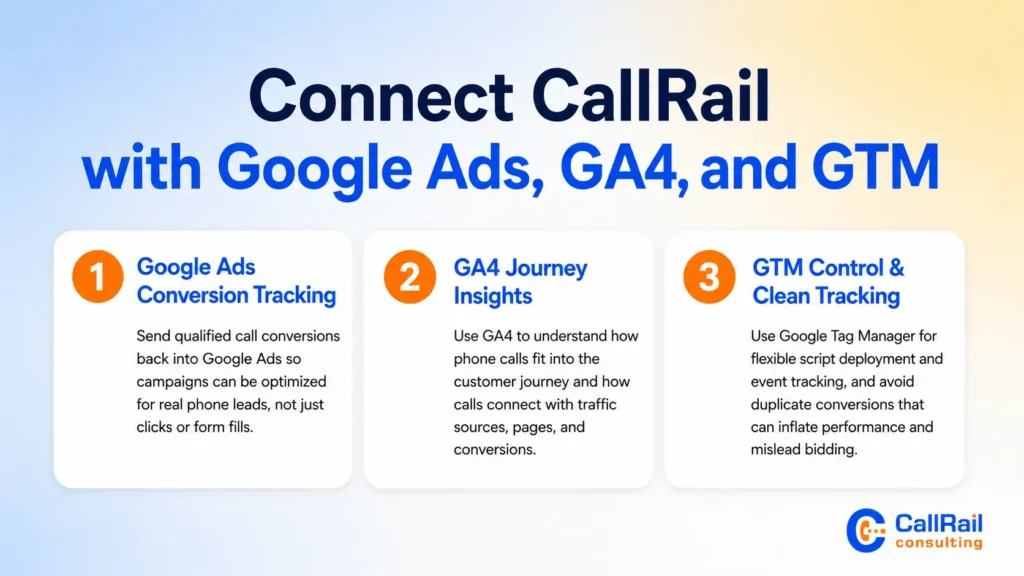
CallRail becomes much more powerful when it is connected to your Google marketing stack. Google Ads integration allows call conversions to flow back into your ad account. GA4 integration helps you understand how phone calls fit into the user journey. Google Tag Manager gives you more control over script deployment and event tracking.
A strong Google Ads setup helps you optimize for real phone leads instead of only clicks or form fills. When call conversions are imported properly, your campaigns can be evaluated based on calls that matter. This is especially valuable for businesses where phone calls drive appointments, consultations, estimates, or bookings.
Use this complete guide to CallRail Google Ads GA4 and GTM integration when connecting your tracking system to Google platforms. It covers Google Ads conversion imports, GA4 events, GTM installation, and troubleshooting.
When setting up integrations, avoid duplicate conversions. For example, do not count the same call once through CallRail and again through another website call event unless you have a clear reporting reason. Duplicate conversions can inflate performance and mislead bidding strategies.
Step 6: Connect CallRail to Your CRM
Call tracking is much more useful when call data connects to your CRM. A CRM integration allows your team to match calls with contacts, deals, opportunities, lead status, and revenue outcomes.
For example, a call from Google Ads may become a qualified sales opportunity in HubSpot or Salesforce. Without CRM integration, your marketing team may only see that a call happened. With CRM integration, they can see whether that call became a customer, booked appointment, deal, or lost lead.
A proper CallRail CRM integration with HubSpot and Salesforce helps close the gap between marketing attribution and sales results. It also reduces manual data entry and gives sales teams better context when following up.
When connecting CallRail to a CRM, map fields carefully. Important fields may include caller name, phone number, source, campaign, landing page, call duration, call recording, call summary, lead status, and assigned team member. Clean field mapping makes reporting easier and keeps your CRM from becoming cluttered.
Step 7: Track Forms and Calls Together
Phone calls are important, but they are not the only conversion path. Many prospects fill out forms, request quotes, schedule consultations, or submit contact requests before or after calling. If you only track calls, you may miss a large part of the buyer journey.
CallRail form tracking helps connect form submissions to the same attribution data used for calls. This gives you a more complete view of how visitors convert. A person may click a paid ad, browse your service page, submit a form, and then call later. Tracking both actions gives your team better context.
This guide to CallRail form tracking and call attribution explains how form submissions and phone calls can work together inside CallRail reporting.
Combining call and form data is especially useful for service businesses, agencies, healthcare providers, legal practices, real estate companies, and B2B companies with longer sales cycles. It helps your team understand which channels generate leads, which leads are most qualified, and which campaigns support multiple conversion types.
Step 8: Build Call Routing, Notifications, and Missed Call Workflows
Once calls are tracked correctly, the next step is making sure they are handled correctly. A missed call from a qualified prospect can mean lost revenue, especially in industries where customers contact multiple providers before making a decision.
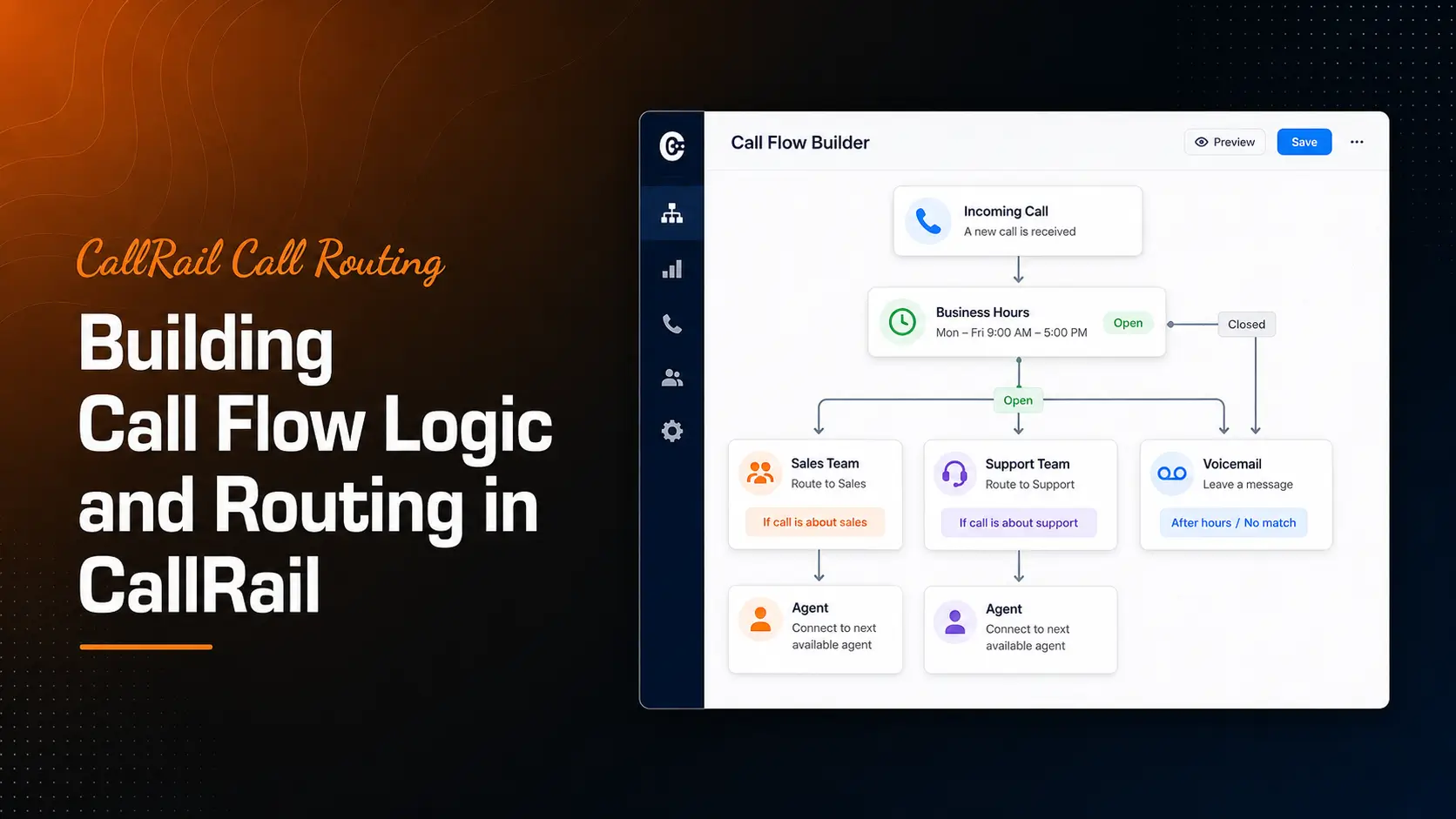
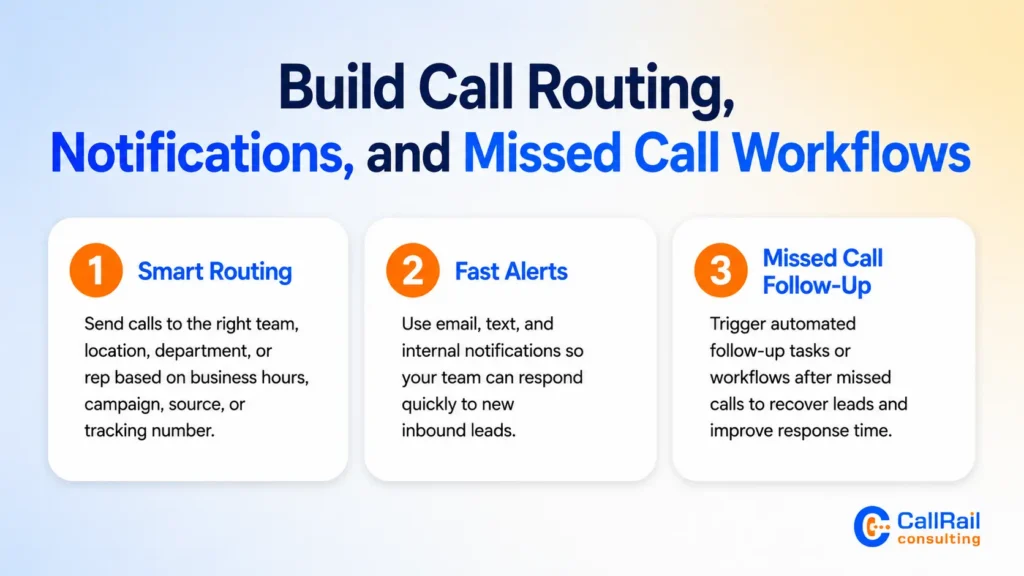
CallRail call routing lets you send calls to the right team, location, department, or sales rep. You can route based on business hours, campaign, source, location, or tracking number. This helps callers reach the right person faster and reduces friction in the sales process.
Notifications are also important. Email alerts, text alerts, and internal notifications can help your team respond quickly to new leads. If a call is missed, an automated workflow can notify the right person or trigger a follow-up task.
For businesses that rely heavily on inbound calls, use this guide to automate follow-ups from missed calls with CallRail and Zapier. A simple missed-call workflow can improve response time and help recover leads that would otherwise disappear.
Step 9: Use Call Recording, Transcription, and Keyword Spotting
Call recording and transcription turn phone conversations into useful business intelligence. Instead of only knowing that a call happened, your team can understand what the caller wanted, how the call was handled, and whether the lead was qualified.
Recordings are helpful for sales coaching, customer service reviews, dispute resolution, and lead quality analysis. Transcriptions make it easier to scan conversations without listening to every call. Keyword spotting can identify phrases such as “pricing,” “appointment,” “quote,” “emergency,” “insurance,” “consultation,” or “book today.”
To get more value from this feature, review this guide on CallRail call recording transcription and keyword spotting.
Before enabling recording, make sure your business follows applicable consent and privacy rules. Call recording laws vary by location, so your setup should include proper notices or consent language where required.
Step 10: Improve Lead Quality with Conversation Intelligence and Lead Scoring
Not every call has the same value. Some callers are ready to buy. Others are asking basic questions, looking for support, or calling for unrelated reasons. This is why lead qualification matters.
CallRail Conversation Intelligence can help identify call intent, summarize conversations, and surface important lead details. This makes it easier to separate high-quality calls from low-value calls and gives your team better insight into what prospects actually need.
Use CallRail Conversation Intelligence for lead qualification to understand how call intelligence can support sales review, marketing optimization, and customer experience improvement.
Lead scoring adds another layer of value. With the right scoring process, your team can prioritize the calls most likely to turn into revenue. Review this guide on lead scoring using CallRail Lead Center to strengthen your qualification workflow.
Step 11: Build Attribution and ROI Reports
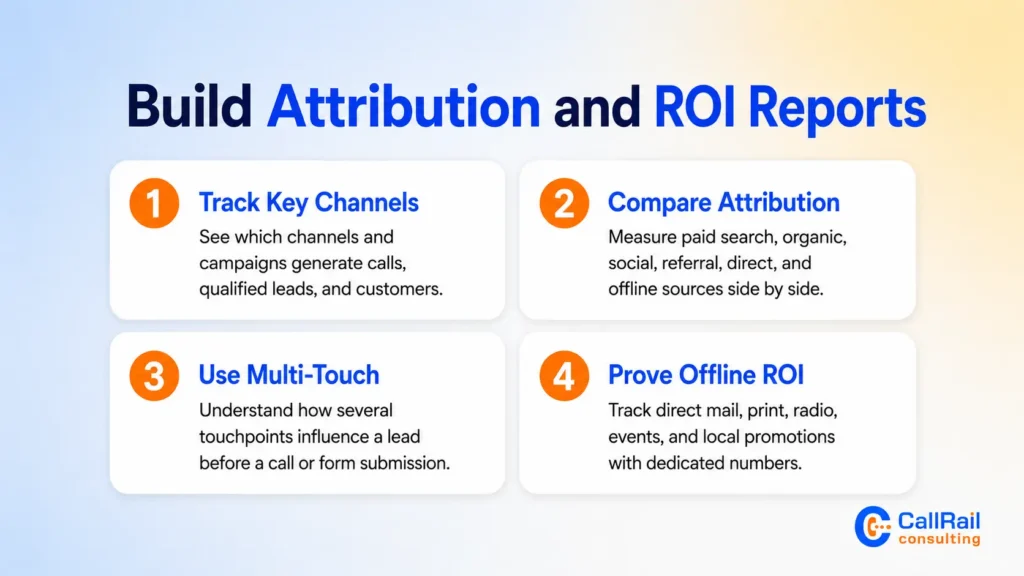
The final goal of CallRail optimization is better decision-making. Your reports should show which channels generate calls, which calls are qualified, which campaigns produce customers, and which marketing activities deserve more investment.
Attribution reporting helps you compare paid search, organic search, social, referral, direct, and offline campaigns. It also helps you identify landing pages, keywords, and ads that generate real conversations.
For more advanced reporting, use CallRail multi-touch attribution models to understand how multiple touchpoints influence a lead before they call or submit a form.
Offline campaigns should also be included. Direct mail, print ads, radio, event sponsorships, and local promotions can all be tracked with dedicated CallRail numbers. This guide on how to prove ROI from offline and phone leads using CallRail can help connect offline activity to measurable lead outcomes.
Common CallRail Setup Mistakes to Avoid
Even a small setup error in CallRail can lead to inaccurate attribution, confusing reports, and missed optimization opportunities. Before launching or auditing your account, watch for these common mistakes:
- Creating tracking numbers without a clear strategy
Every tracking number should have a defined purpose. If you do not know which campaign, source, location, or channel a number is tracking, your reports will become harder to trust. A clear tracking plan helps keep your CallRail account organized and your attribution data accurate. - Using a number pool that is too small
If your website receives steady traffic from paid campaigns, organic search, or multiple landing pages, a small number pool may not support accurate session-level tracking. This can weaken attribution and make it harder to connect calls to the right visitor source. - Using inconsistent UTM parameters
Poor UTM structure can split campaign data into messy source and campaign groups. For example, using different naming styles for the same channel can make reports harder to read. A consistent UTM naming system should be created before launching paid campaigns. - Counting duplicate conversions
Duplicate conversions can create problems in Google Ads, GA4, and other reporting platforms. Make sure each conversion action has a clear purpose and that the same call is not counted multiple times in the same reporting view. - Treating CallRail setup as a one-time project
CallRail should be reviewed regularly because campaigns, websites, landing pages, routing rules, and sales processes change over time. Ongoing account reviews help keep attribution accurate, reporting clean, and lead tracking useful.
How to Optimize CallRail After Launch
After your setup is live, review performance frequently. Check whether calls are being attributed correctly, whether integrations are syncing, whether call recordings are useful, and whether qualified leads are being tagged properly.
Look at call duration, first-time callers, missed calls, source quality, campaign performance, and conversion outcomes. If a campaign drives many calls but few qualified leads, the issue may be targeting, ad copy, landing page intent, or call handling. If a campaign drives fewer calls but higher-quality leads, it may deserve more budget.
Optimization should also include cleanup. Remove unused numbers, update old tracking sources, fix broken integrations, refresh routing rules, and improve reports as your business goals evolve.
The best CallRail setups are not just technically correct. They are actively managed. When your tracking system is maintained properly, it becomes a reliable source of truth for marketing, sales, and business growth.
Final Thoughts
CallRail setup and optimization are essential for any business that depends on phone calls and form submissions to generate leads. A complete implementation gives you visibility into where leads come from, how they convert, how your team handles them, and which campaigns produce real business value.
The strongest setup includes tracking numbers, DNI, JavaScript installation, Google Ads and GA4 integration, CRM syncing, form tracking, call routing, missed-call workflows, recording, transcription, lead scoring, and reporting. When all of these pieces work together, CallRail becomes more than a tracking platform. It becomes a decision-making system for your marketing and sales teams.
If your CallRail account is not giving you clear answers, it may need a deeper setup review, integration cleanup, or optimization plan. CallRail Consulting helps businesses improve tracking accuracy, attribution, reporting, and lead management so every important call can be captured, understood, and acted on.