Key Takeaways:
- A CallRail call flow is the visual set of rules that decides what happens to every inbound call, from the first greeting to the final destination or voicemail.
- Good call flow logic protects both the customer experience and your attribution data, because a misrouted call still counts as a tracked call but rarely counts as a won lead.
- CallRail routing steps include greetings, menus, business hours, simultaneous and round-robin dialing, geographic routing, voicemail, and SMS follow-up.
- Multi-location businesses, agencies, and after-hours service companies each need a different routing pattern rather than one universal template.
- Most lost calls trace back to a handful of fixable mistakes: long menus, no after-hours path, unassigned numbers, and untested flows.
- Build your call flow before you scale ad spend, then test it monthly with real calls so routing changes stay aligned with staffing.
Most businesses obsess over how many calls their marketing generates and spend almost no time on what happens in the ten seconds after someone dials. That gap is where revenue leaks. A prospect calls your Google Ads number, waits through a five-option menu, lands in a voicemail box nobody checks, and hangs up. The campaign report still shows a call. The sales report shows nothing.
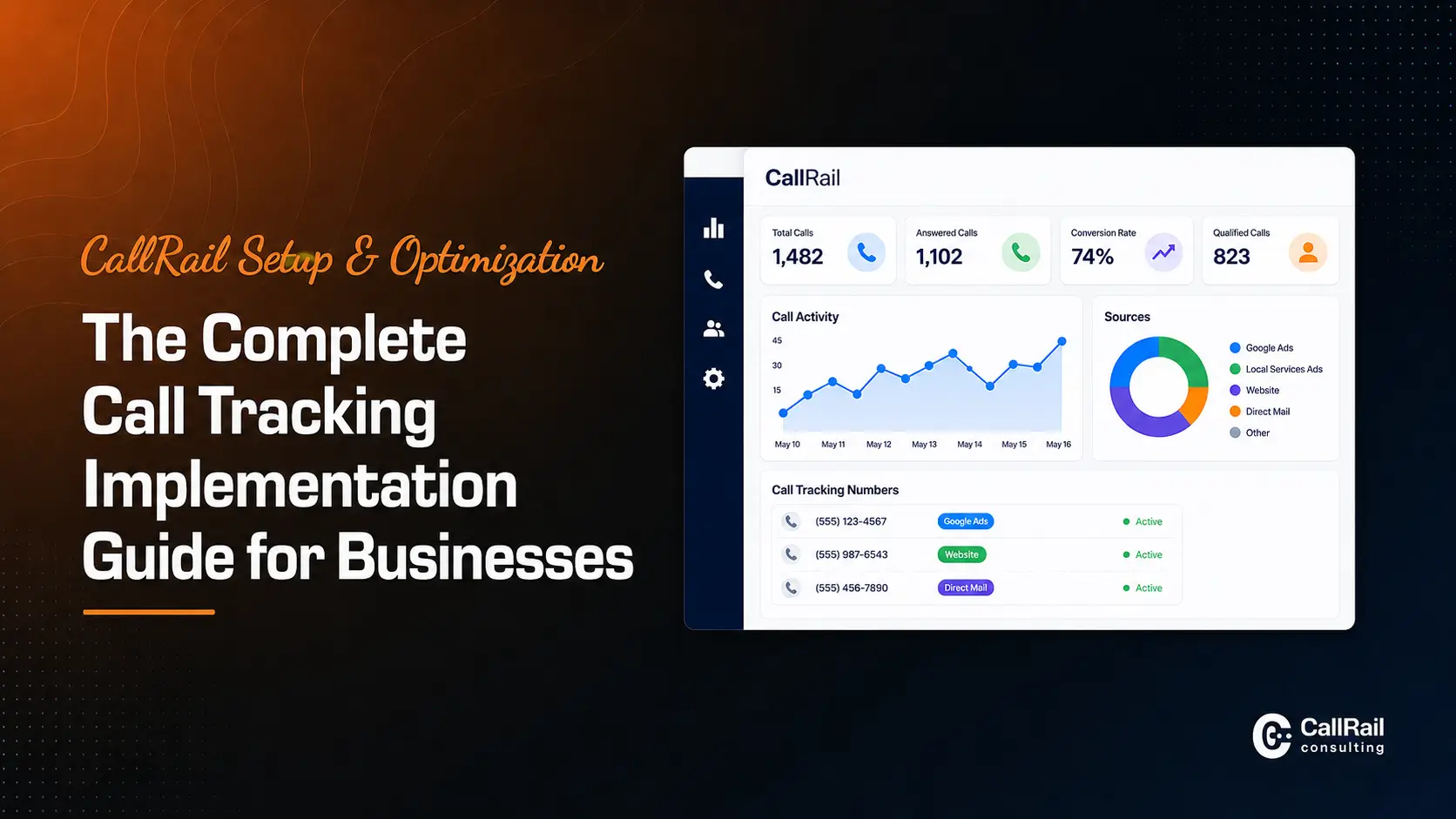
Building solid call flow logic and routing in CallRail closes that gap. This guide explains what a CallRail call flow actually is, how routing works step by step, which building blocks matter, how to design routing for different business models, and which common mistakes quietly cost you qualified leads. If you are still setting up your account, start with our CallRail Setup & Optimization: The Complete Call Tracking Implementation Guide and then return here to design the routing layer.
What Is Call Flow Logic in CallRail?
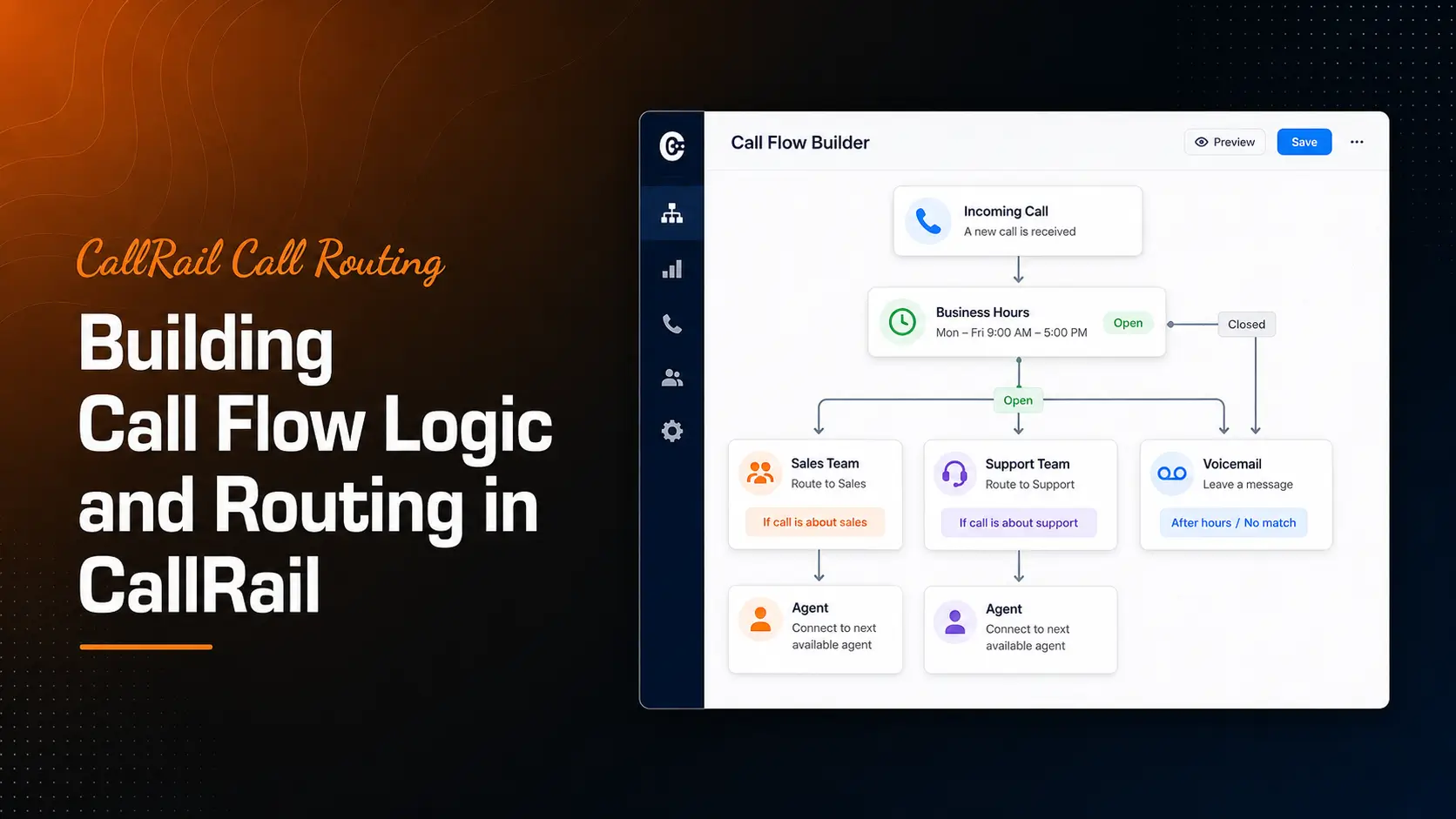
A CallRail call flow is a visual, rules-based path that determines exactly what happens to an inbound call after it reaches one of your tracking numbers. You build it by dragging steps onto a canvas, connecting them in order, and assigning that finished flow to one or more tracking numbers.

Call flow logic is the decision-making inside that path. It answers questions such as: Is the office open right now? Should the call ring one person or the whole sales team? What happens if nobody answers within twenty seconds? Should the caller hear a whisper message identifying the campaign source? Should a missed call trigger an automatic text message?
The important distinction is that call tracking and call routing solve different problems. Tracking tells you where a call came from. Routing decides where the call goes. You need both working together, because attribution data only creates value when the calls it measures actually reach a human who can sell.
Every tracking number in your account points to a call flow. If you never build one, calls simply forward to a single destination number with no logic, no hours, and no fallback. That default works for a solo practitioner. It fails quickly for anyone with a team, multiple locations, or campaigns running outside business hours.
How Does Call Routing Work in CallRail?
CallRail routing works as a top-to-bottom sequence of connected steps, and the call moves through them in order until it reaches a terminating action such as a connected conversation, a voicemail, or a hang-up.
When a caller dials your tracking number, CallRail first logs the call and captures the source data tied to that number or session. It then enters the assigned call flow. The first step usually checks a condition, plays a message, or routes directly. Each step passes the call forward based on either a caller action, such as pressing a keypad digit, or a system condition, such as the current time or whether a ring attempt timed out.
Three ideas make the logic click:
- Conditions branch the call. Business hours, keypad menus, and geographic routing send calls down different paths depending on context.
- Actions handle the call. Ringing a number, playing a recording, sending to voicemail, or triggering a text message are terminal or near-terminal moves.
- Fallbacks catch failures. Every branch needs an answer for what happens when nobody picks up, because silence is the most expensive outcome in the entire flow.
Because the flow is visual, you can trace any path with your eyes before a single customer experiences it. That makes call flow design one of the few areas in marketing operations where you can catch problems before they cost you money.
Why Call Flow Logic Matters for Attribution and Revenue
Call flow logic matters because it directly controls answer rate, and answer rate directly controls how much of your paid and organic traffic converts into pipeline.
Consider the reporting side first. If a lead calls, waits through a menu, and hangs up, your dashboard records a tracked call with a source. Your ad platform may even record a conversion if you push call conversions to Google Ads. That conversion signal trains your bidding toward a campaign that produced a hang-up rather than a customer. Poor routing does not just lose one lead. It gradually distorts the optimization decisions built on top of your data.
Routing also shapes the quality of your qualitative data. Calls that reach the right department produce cleaner recordings, more useful transcripts, and more accurate keyword spotting. If you plan to lean on CallRail’s Conversation Intelligence for lead qualification, the underlying calls need to reach people who can actually have the qualifying conversation.
Finally, routing affects speed to lead. A call answered live during the first attempt almost always outperforms a callback made an hour later. Call flow logic is one of the cheapest ways to improve that response window, because it requires configuration rather than headcount.
Core Building Blocks of a CallRail Call Flow
CallRail gives you a set of reusable steps. Understanding what each one does, and when it helps, is the foundation of good routing design.
Greetings and Whisper Messages
A greeting plays to the caller before routing continues. A whisper message plays to your team member only, announcing something like the campaign source or location before the call connects. Whisper messages are valuable because they let your staff answer with context without any CRM lookup.
Menus and IVR Options
A menu asks the caller to press a digit and branches accordingly. Menus work well when departments are genuinely different, such as sales, service, and billing. They work poorly when used to hide understaffing. Keep options to three or four and place the highest-revenue option first.
Business Hours and Scheduling
A hours-based condition checks the current time against a schedule you define, then routes open-hour calls to your team and closed-hour calls to voicemail, an answering service, or a text-back sequence. This is the single highest-impact step for service businesses running ads at all hours.
Simultaneous, Round-Robin, and Sequential Dialing
Simultaneous ringing dials several numbers at once and connects whoever answers first, which maximizes answer rate. Round-robin distributes calls evenly across a team, which supports fair lead distribution. Sequential dialing tries people in a priority order, which suits senior-first or specialist-first models.
Voicemail, SMS, and Missed-Call Handling
Voicemail should be a fallback, not a destination. Pair it with an automatic text message so the caller has a second way to reach you. Teams that want a stronger safety net often layer automation on top, as covered in our guide to automating follow-ups from missed calls with CallRail and Zapier.
Geographic and Location Routing
Geographic routing sends callers to the branch nearest their area code or dialed number. This is essential for franchises and multi-location brands, and it pairs naturally with the practices in our post on tracking franchise and multi-location leads with CallRail.
How to Build a Call Flow in CallRail Step by Step
Build the flow on paper before you build it on screen. The configuration takes minutes; the thinking is the real work.
- Map the call types you receive. New sales inquiries, existing customer service, vendors, and job applicants each deserve a different path.
- Define your hours and coverage honestly. Use the hours your phones are genuinely staffed, not the hours listed on your website.
- Create the call flow and name it clearly. Names like “Google Ads – Emergency Service – 24hr” beat “Flow 3” when you have twenty numbers to audit later.
- Add your first branching condition. For most businesses this is business hours. For multi-department operations it may be a menu.
- Set the ring strategy for each branch. Choose simultaneous for speed, round-robin for fairness, or sequential for priority.
- Set realistic ring durations. Twenty to twenty-five seconds per attempt keeps callers engaged without stranding them.
- Add whisper messages. Announce the source or location so your team answers prepared.
- Build the fallback path. Voicemail plus an automated text is the minimum acceptable safety net.
- Assign the flow to the correct tracking numbers. Campaign-specific numbers often need campaign-specific routing.
- Test every branch with a real phone. Call during open hours, closed hours, and from a second device while the first is engaged.
Once the flow is live, connect the outcomes to your systems so routing decisions show up in reporting. Our guides to integrating CallRail with Google Ads, GA4, and Google Tag Manager and connecting CallRail to HubSpot, Salesforce, and other CRMs walk through that layer in detail.
Routing Strategies for Different Business Models
There is no universal call flow. The right structure depends on how your team is organized and where your calls originate.
Single-Location Service Businesses
Keep the flow simple. Skip the menu entirely, ring the front desk and a mobile backup simultaneously, then fall back to voicemail with a text-back. Add an after-hours branch that routes emergency calls to an on-call phone and everything else to voicemail.
Multi-Location and Franchise Brands
Use geographic routing or location-specific tracking numbers so each branch owns its own calls. Add a whisper message naming the location so a shared answering team knows which brand or branch the caller reached. Keep reporting segmented by location from day one.
Agencies Managing Client Accounts
Agencies typically need per-client flows, clean naming conventions, and separate numbers for each channel so routing changes for one client never affect another. Many of the operational shortcuts here appear in our roundup of top CallRail features agencies should be using.
High-Volume Sales Teams
Round-robin distribution keeps lead assignment fair and prevents one rep from absorbing every inbound opportunity. Layer in call recording and scoring so routing and qualification improve together, as described in our post on scoring leads using CallRail’s Lead Center.
Common Call Flow Mistakes That Quietly Lose Leads
Most routing problems are not exotic. They repeat across accounts and industries.
- Menus that are too long. Every additional option increases abandonment. Three choices are usually the ceiling.
- No after-hours branch. Ads run at 9 p.m. even when your office does not. Without an hour’s condition, those callers hit dead air.
- Ring times that are too short or too long. Fifteen seconds cuts off a rep walking to their desk. Sixty seconds tests the caller’s patience past breaking point.
- Voicemail as a terminal step. Without a text-back or automated follow-up, a voicemail is usually the end of the relationship.
- Tracking numbers assigned to the wrong flow. This is the most common audit finding, and it is invisible until someone tests each number.
- Flows that never get retested. Staff changes, new locations, and new campaigns all break assumptions that were correct six months ago.
- Routing built without checking tracking. If your website numbers swap incorrectly, routing accuracy will not save the data. Review our guide on setting up DNI in CallRail without breaking your call tracking before you finalize anything.
Design Smarter CallRail Routing With Expert Support
Call flow design sits at the intersection of marketing, operations, and sales staffing, which is why it often stalls internally. Someone owns the ad budget, someone else owns the phones, and nobody owns the logic connecting them.
That is the gap our team fills. Our CallRail consulting services cover call flow architecture, routing audits, number and source mapping, integration configuration, and reporting cleanup, so your routing decisions and your attribution data finally agree with each other. Whether you are running one location or coordinating routing across dozens of franchise numbers, a documented flow structure makes every future change faster and safer.
Book a Call Flow Review Before Your Next Campaign Launch
If you are about to increase ad spend, the smartest thing you can do first is confirm that the calls you are buying will actually get answered. A structured review typically surfaces misassigned numbers, missing after-hours paths, and untested fallback branches within a single session.
Book a time with our team to walk through your existing call flows, discuss your routing goals, and identify the changes that will protect the leads your campaigns are already generating.
Final Thoughts
Building call flow logic and routing in CallRail is less about mastering a tool and more about making deliberate decisions regarding how your business answers the phone. Map your call types, define honest hours, choose a ring strategy that matches your team structure, build a real fallback, and test every branch with a live phone before you trust it.
Do that work once, document it, and revisit it quarterly. The result is a system where marketing data reflects reality, callers reach the right person quickly, and fewer opportunities disappear into an unmonitored voicemail box. Routing is not glamorous, but among the levers available to a marketing or operations team, it is one of the few that improves both experience and measurement at the same time.