
In today’s buyer journey, most leads don’t convert after just one click. They may visit your site multiple times, explore several pages, respond to emails, and finally call after weeks of research. That is why single-touch attribution no longer works, and why marketers need multi-touch visibility to truly understand what drives results.
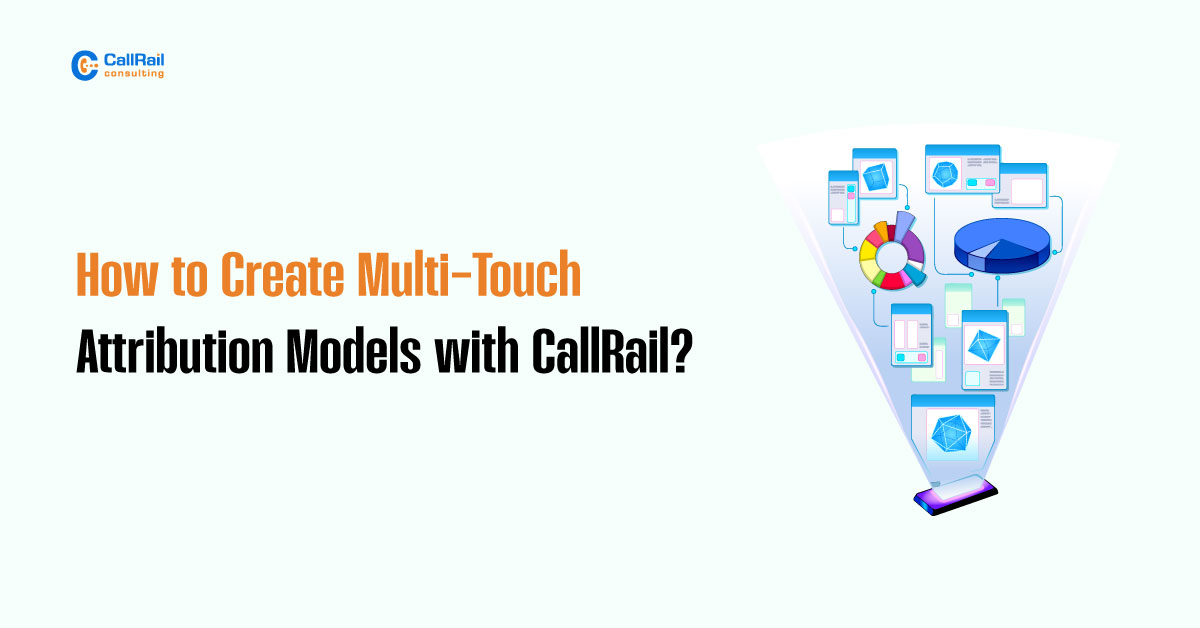
With CallRail’s multi-touch attribution tools, you can map out the entire journey a lead takes before calling your business. It captures every meaningful interaction, from the first ad click to the final landing page. You gain the power to build attribution models that reflect reality, not assumptions.
How CallRail Tracks Multi-Touch Journeys?
CallRail automatically tracks the session history of a visitor who eventually becomes a caller. This includes the sources that brought them to your site, the pages they visited, the UTM parameters attached to their sessions, and the duration of their stay on your site.
When someone picks up the phone and calls, CallRail already knows if they first clicked a Google ad, returned from an email, and viewed your pricing page. That data is stored and visualized inside your reporting dashboards, where it can be used to generate accurate multi-touch attribution reports.

You no longer need to guess whether awareness campaigns are working or which landing pages contribute to conversions. CallRail captures the entire sequence and gives you the context needed for smarter marketing decisions.

Attribution Models You Can Build in CallRail
CallRail supports various attribution models. This flexibility enables you to align tracking with your unique sales process and customer journey. Here are the most commonly used models:
First Touch Attribution
This model gives full credit to the first interaction that brought a lead to your site. It is ideal for identifying which top-of-funnel efforts, such as blog posts, display ads, or brand awareness campaigns, are bringing in new traffic and calls.
Use this model when you want to understand what is filling your pipeline, especially if your sales cycles are longer.
Last Touch Attribution
Last Touch assigns all credit to the final interaction that occurred before the call. This model is ideal for measuring conversion-focused tactics such as retargeting ads, landing pages, or strong calls to action.
It works best when you are optimizing for closing performance and want to highlight what triggered the final conversion.
Linear Attribution
Linear attribution spreads credit evenly across every touchpoint a user interacts with before converting. If a lead clicked five different campaigns before calling, each one receives equal value.
This model helps you understand how your marketing channels work together to guide leads through the sales funnel.
Time Decay Attribution
Time Decay gives more value to recent interactions. The closer a touchpoint is to the call, the more credit it receives. Earlier touchpoints still matter, but have less weight in the final calculation.
This model is particularly useful for short sales cycles or when timing is a significant factor in conversions.
Match Models to Your Sales Cycle and Strategy

The right attribution model depends on your business. Consider the length of your sales cycle, the complexity of your offering, and the number of interactions your average customer has before converting.
Service-based businesses that require quick decision-making may benefit most from last-touch or time-decay models. B2B companies with longer sales journeys should consider using linear or first-touch approaches to better understand early engagement.
CallRail’s platform enables you to switch between models, compare reports, and gain a comprehensive view of marketing performance based on the actual customer journey.