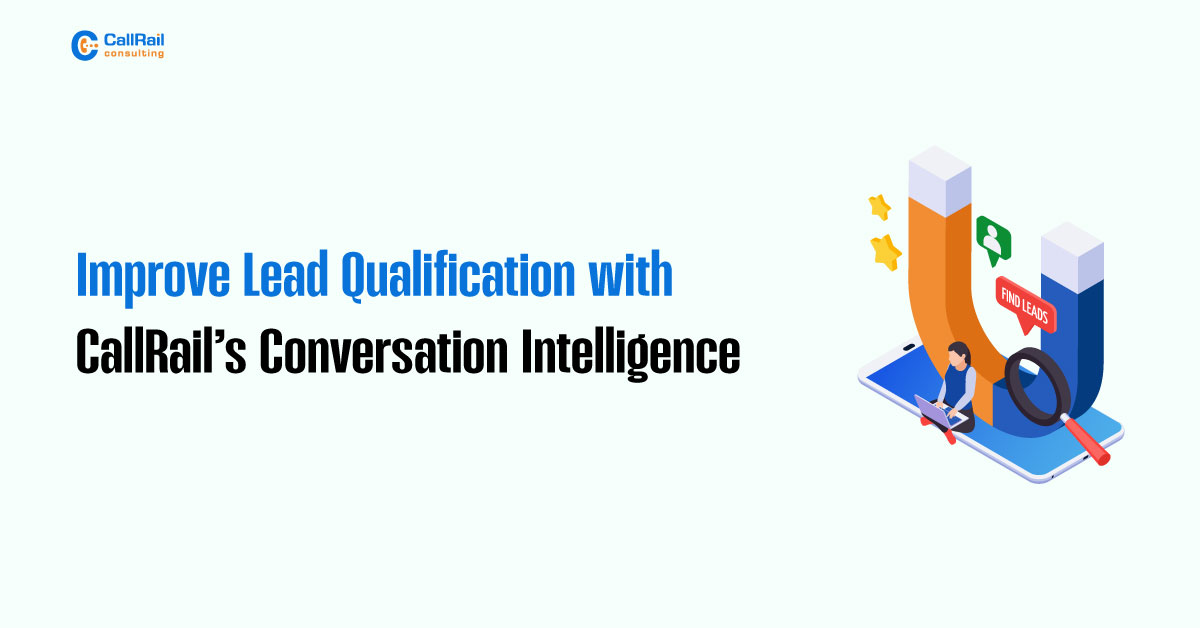
Receiving calls is great, but generating qualified leads is what actually drives results. That’s where CallRail’s Conversation Intelligence becomes a game-changer. It goes beyond tracking calls by turning conversations into searchable, scorable, and actionable data. Instead of relying on gut instinct or rep notes, you get AI-analyzed insights that tell you what your callers actually said and how likely they are to convert.
This enables your team to focus on genuine opportunities, refine sales scripts, and tailor marketing campaigns to meet the needs of your customers.
Turn Talk Into Targeted Actions

CallRail transcribes every inbound call and runs AI-powered analysis across the conversation. It flags keywords, detects sentiment, and allows you to score leads automatically based on what the caller says. This shift led to a qualification from a subjective to a strategic approach.
You no longer need to guess if a lead was serious or just shopping around. If the call includes phrases like “ready to book,” “what’s the price,” or “can you start next week,” CallRail can tag it and assign a high lead score instantly.

On the flip side, it can also flag objection-heavy calls, such as those that mention price concerns, hesitation, or cancellations. These conversations can be used to train reps, adjust marketing messaging, or spot potential churn risks.
Use Tags to Segment Leads and Spot Trends

With tagging, you can categorize calls by intent, objection, product interest, or any custom field you need. Want to know how many people are calling about a specific service or product? Filter your tags and analyze the trends. This makes it easy to build smart segments and even retarget based on interest level or product type.
Sales teams can use this data to route calls more effectively. For example, high-intent leads are directed to closers, while service inquiries and upsells are assigned to account managers. No more generic follow-ups, every call can be handled with purpose.
Monitor Script Adherence and Brand Messaging
CallRail also helps you ensure consistency and compliance across your team. You can verify whether reps are following the call script, using required brand language, or skipping essential talking points. By tracking adherence to sales or service scripts, you’ll protect your brand reputation and deliver a more consistent customer experience.
You can also identify which phrases lead to more bookings and which ones cause confusion or resistance. This insight enables you to refine your messaging in real-time based on actual conversations.
Sync with Your CRM for Smarter Automation
Conversation Intelligence gets even more powerful when synced with your CRM. You can push tags, scores, and sentiment data into platforms like HubSpot, Salesforce, and Pipedrive. Once there, these insights can trigger smart workflows, such as email follow-ups, rep assignments, or deal stage updates.
Instead of feeding your CRM a generic list of “calls,” you’re populating it with qualified, scored, and segmented leads, complete with context and intent.